
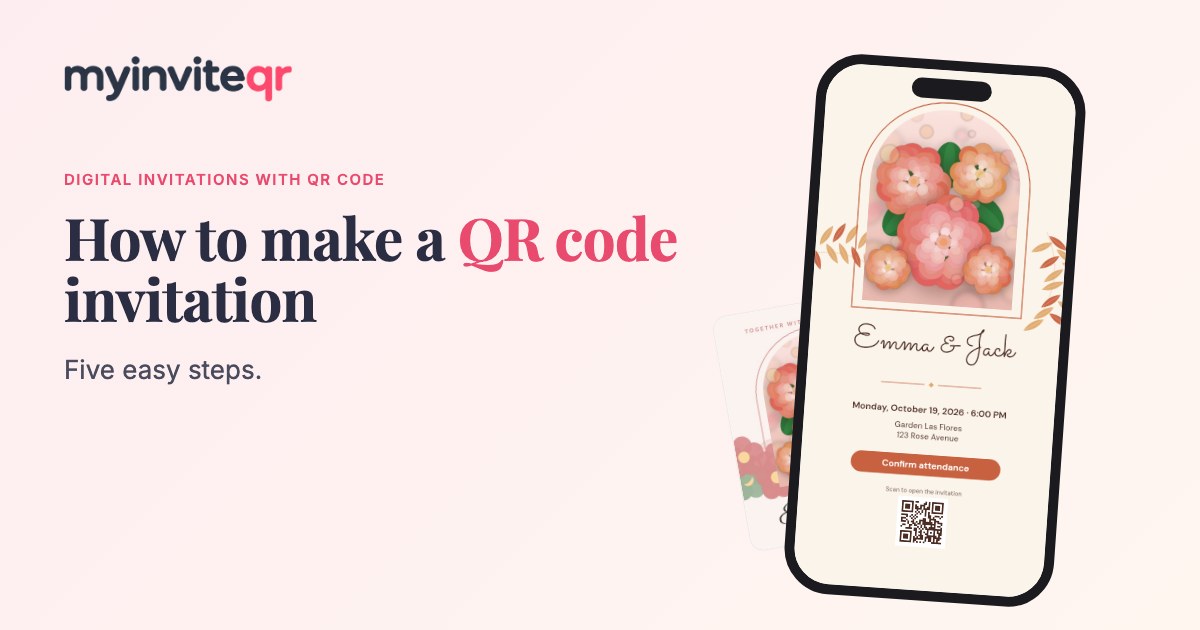
A QR code invitation lets guests scan a code with their phone and open your event details instantly. Here is how to make one.
1. Create a digital invitation
Start by designing your invitation online. Choose a template, add the event details and customize the colors and photos.
2. Add your RSVP button
Include an RSVP button so guests can reply straight from the invitation. It is the fastest way to get an accurate headcount.
3. Publish to generate your QR code
When you publish, your invitation gets its own link and QR code. Download the code as an image.
4. Place the QR code where guests will see it
- Printed save-the-dates and invitation cards
- Welcome signs and posters at the venue
- Menus, programs and table cards
- Social media posts and screens
5. Test before you print
Scan the code with an iPhone and an Android phone. Make sure it is at least 0.8 inches wide when printed and has plenty of blank space around it.
Design tips
Use dark code on a light background, add a short instruction like “Scan to RSVP” and keep the code away from busy patterns.